When is Deep Research worth it?
When a question needs several sources and a comparison. Not when there's only one answer.
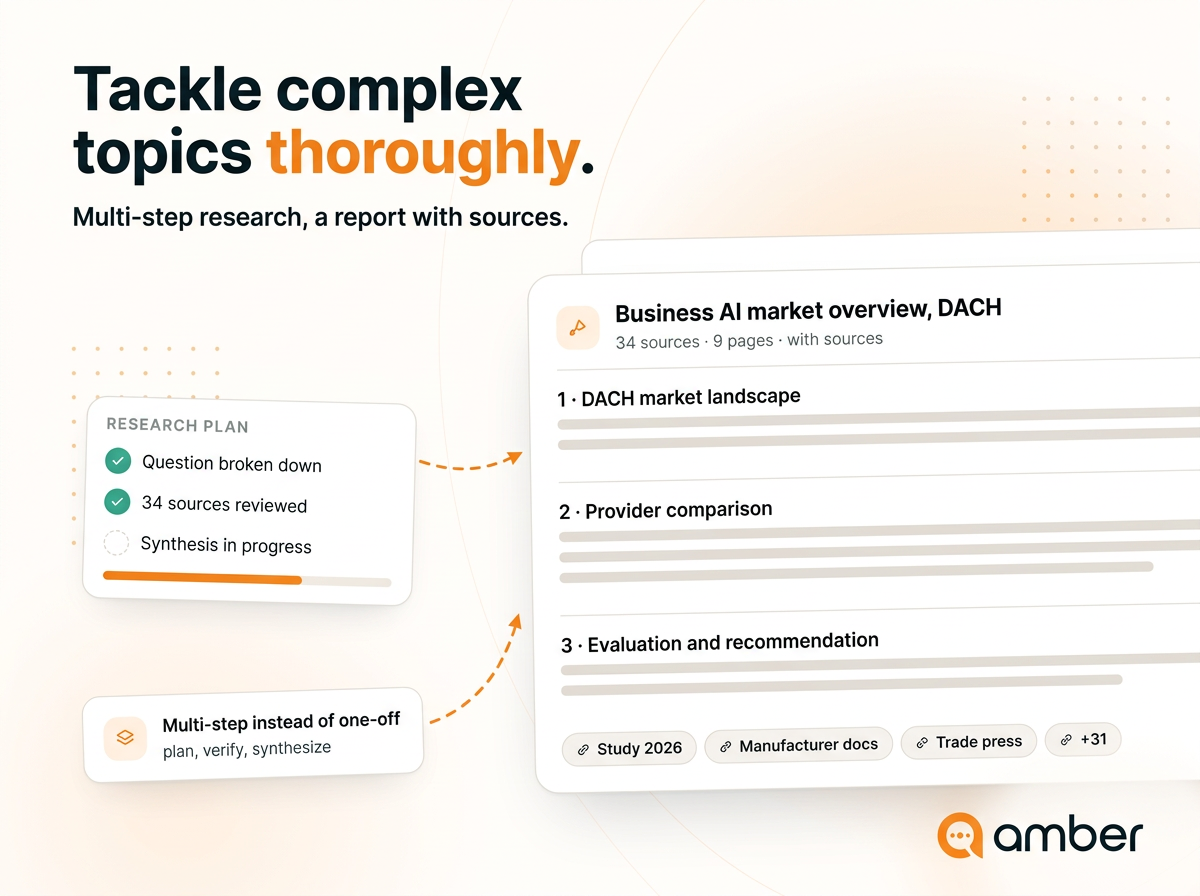
In 3 steps
Name the purpose: Describe not just the topic but what you need the report for – "for a make-or-buy decision, cost and data protection matter most".
Set the criteria: Say what should be compared. The criteria give the report its structure.
Start it and let it run: amber keeps working in the background; you can leave the page.
The decision aid
The difference isn't difficulty, it's the number of sources that have to be brought together. If you want internal and external data sources analysed in combination, Deep Research is the right choice.
What comes out
A structured report. Depending on the question, with a SWOT analysis, competitor comparison and strategic roadmap – which is why Deep Research suits market overviews and decision papers particularly well.
Every statement in the report is linked to its source, and you export the result directly as a PDF or Word document.
Good to know
It takes time. A few minutes is normal; for complex requests amber may still be working after ten.
That's not a bug and not a stuck progress bar – so don't start Deep Research if you need an answer in two minutes. For simple follow-up questions the regular chat is the better fit.