What do I create a project for?
When you work on a topic for longer than a single chat. Everything that belongs to it stays together – including what your colleagues contributed.
In 3 steps
Create the project: click "+ New" and name it – by topic, client or case, not by date.
Set a goal and instructions: these apply to every chat in the project and are what keeps amber consistent over weeks.
Add content and your team: attach data sources, files and chats – and use "Add" to bring colleagues in. From then on everyone works from the same level of knowledge.
When a project pays off – and when it doesn't
What holds the project together
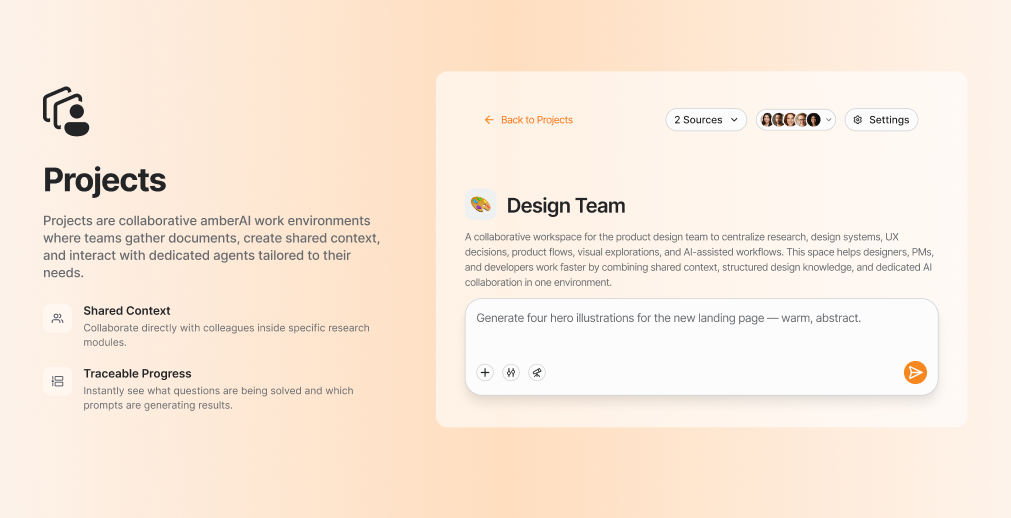
Sharing results: anyone in the project can make their result visible to everyone. No result gets lost in individual chats any more.
Answers from the whole team's knowledge: amber draws on the whole project, not just your own chat history.
Export or regenerate: results go out as PDF, PowerPoint, Word and other formats
→ Which formats can amber create?
The most common mistake is defining the project too broadly. "Marketing 2026" becomes a filing cabinet; "Spring product launch" becomes a workspace. A project should have a goal, not a subject area.
A project isn't the library. The library is your file store, the project is your workspace. Files you also need outside the project belong in the library → Where do I store files I need all the time?
Go deeper
Up next: How do I create my first agent?