How do I create my first agent?
Agents are AI-powered tools that help you automate recurring tasks and handle them more efficiently. They can summarise information, make decisions based on it, or take over routine work for you.
In 3 steps
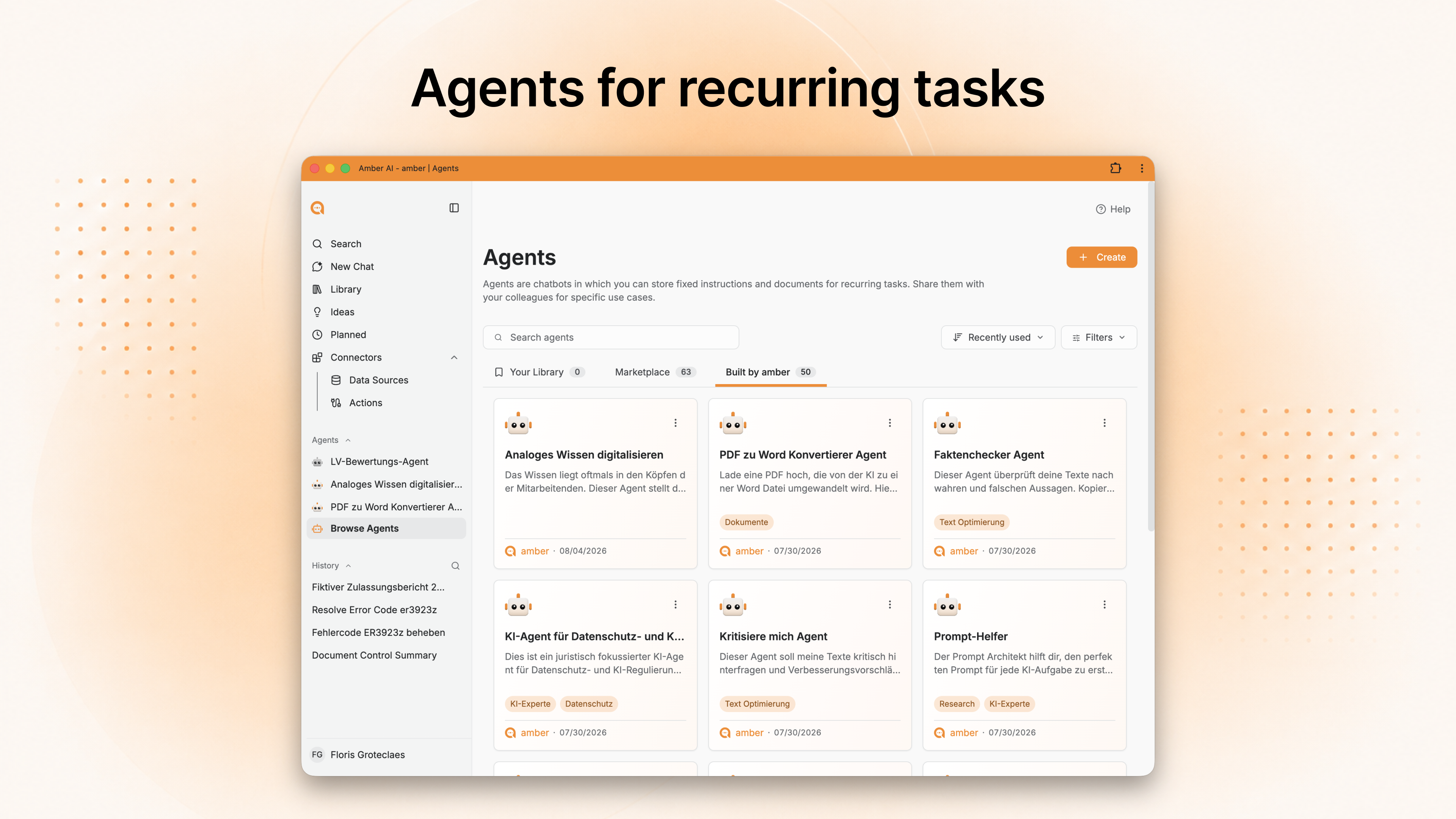
Pick a task: click Agents in the left sidebar, then Create. Take a task you do weekly to the same pattern – not the most complicated one, the one you repeat most often.
Write the instruction: bullet points are enough. Then click "Improve instructions" – amber turns them into a structured instruction you can accept, adjust or discard. You can also dictate, via the microphone icon.
Save and sharpen: test it once, then correct it. Agents can be edited at any time.The five building blocks of a good instruction
The five building blocks of a good instruction
An example containing all five:
"You are an AI assistant for project management. Your task is to create project status updates. Ask the user for the project name, the current status, open tasks and risks. Produce a structured update with the following sections: Summary, Progress, Open Items, Next Steps. Always answer in a professional tone."
What else you can add
Good to know
Don't add knowledge sources indiscriminately. Every extra source that isn't a good fit dilutes the context instead of sharpening it.
Before you start from scratch: the agent library holds ready-made agents whose system prompts you can copy and adapt.
In the chat you call an agent with
@and its name, without switching areas.
Go deeper
Creating
Borrow rather than invent
Connecting knowledge and actions
Up next: What can amber do in other systems?
Was this helpful?