How does the achievement system work?
amber suggests ready-made tasks, walks you through the features – and rewards you with a LinkedIn certificate from level 4.
In 3 steps
Open Achievements: at the bottom left of the navigation. You'll see your level and your point total.
Pick a challenge: one that fits the work you're doing today – not the first one in the list. Every challenge expands, so you can see exactly what to do.
Do it and tick it off: you're not reading a manual, you're using amber.
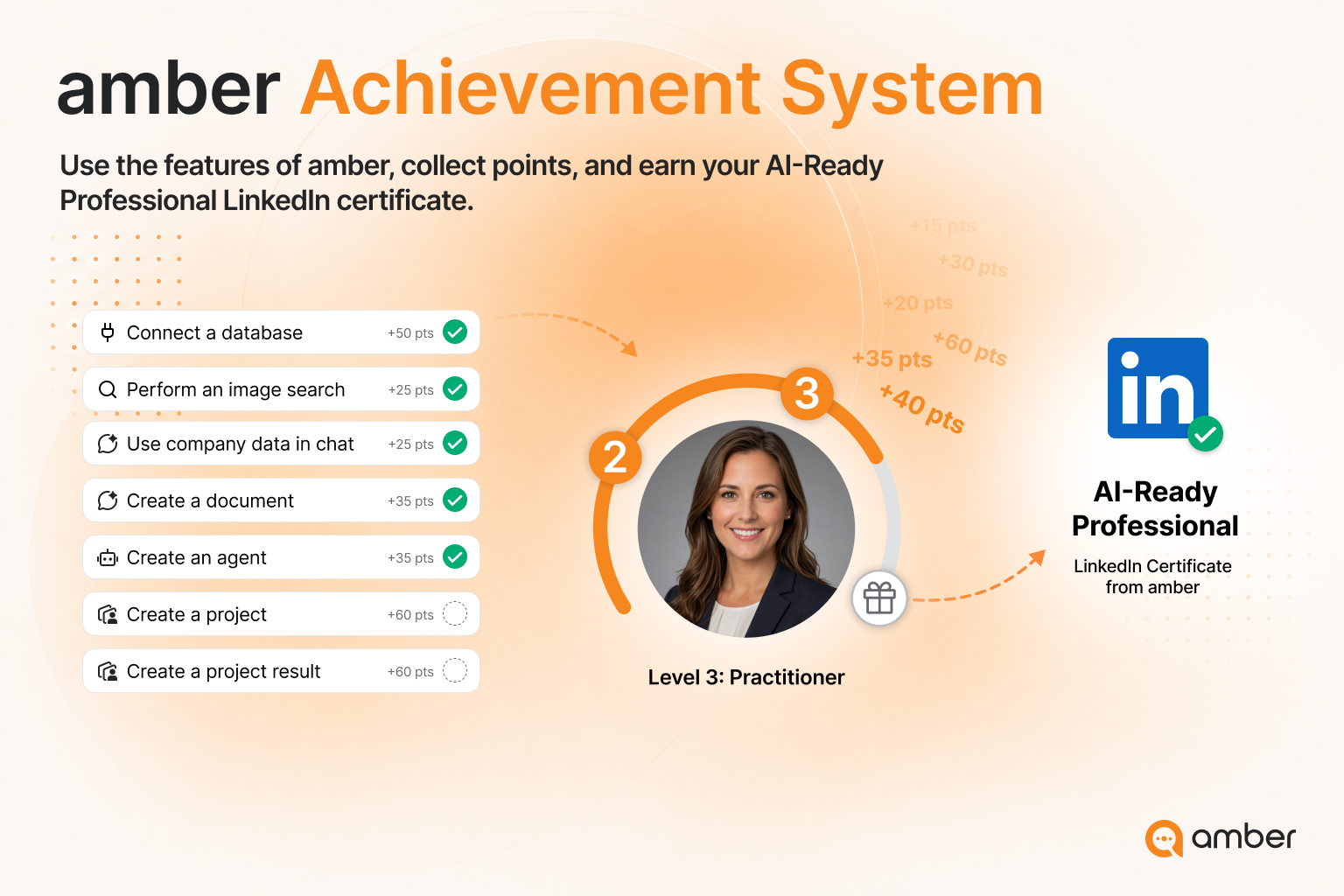
Example challenges
Simple actions are worth 10–25 points, more demanding ones up to 60. Completed streaks are worth 100 points each.
The LinkedIn certificate
The levels run from Explorer up to AI Professional. From level 4, amber issues you a LinkedIn certificate as a KI-Ready Professional. You download it in the achievements view and add it to your LinkedIn profile.
Good to know
Order doesn't matter. All categories and challenges are open from the start. Take the ones that fit your working day – that's the whole point.
Leaderboard: the achievements page shows you where you stand in the company-wide ranking.
Up next: How credit usage works at amber
Was this helpful?