Set Up the Atlassian Application
Log in to developer.atlassian.com/console/myapps/ with an administrator account
Create a new App of type OAuth 2.0 integration
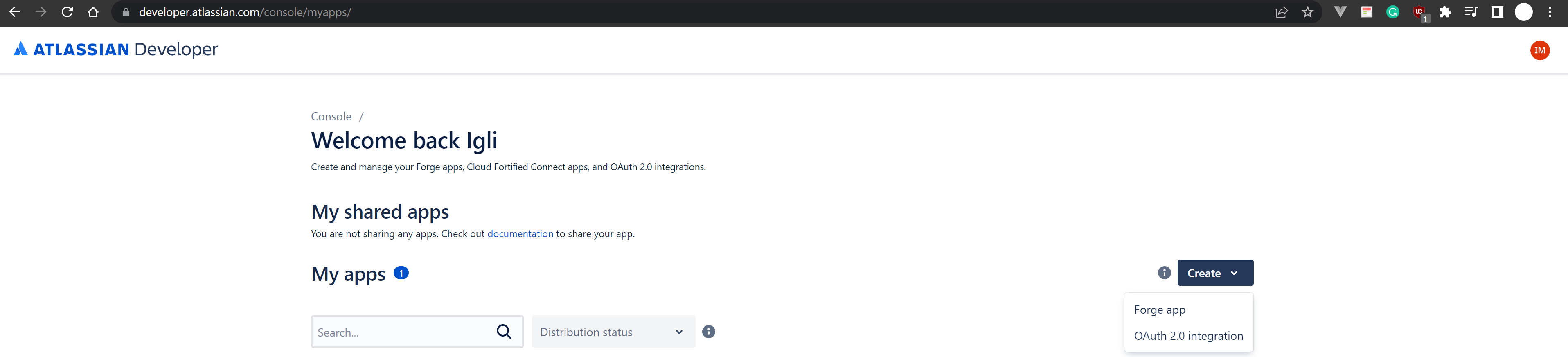
Type amber as the App name, agree the Atlassian's developer terms and click on "Create"
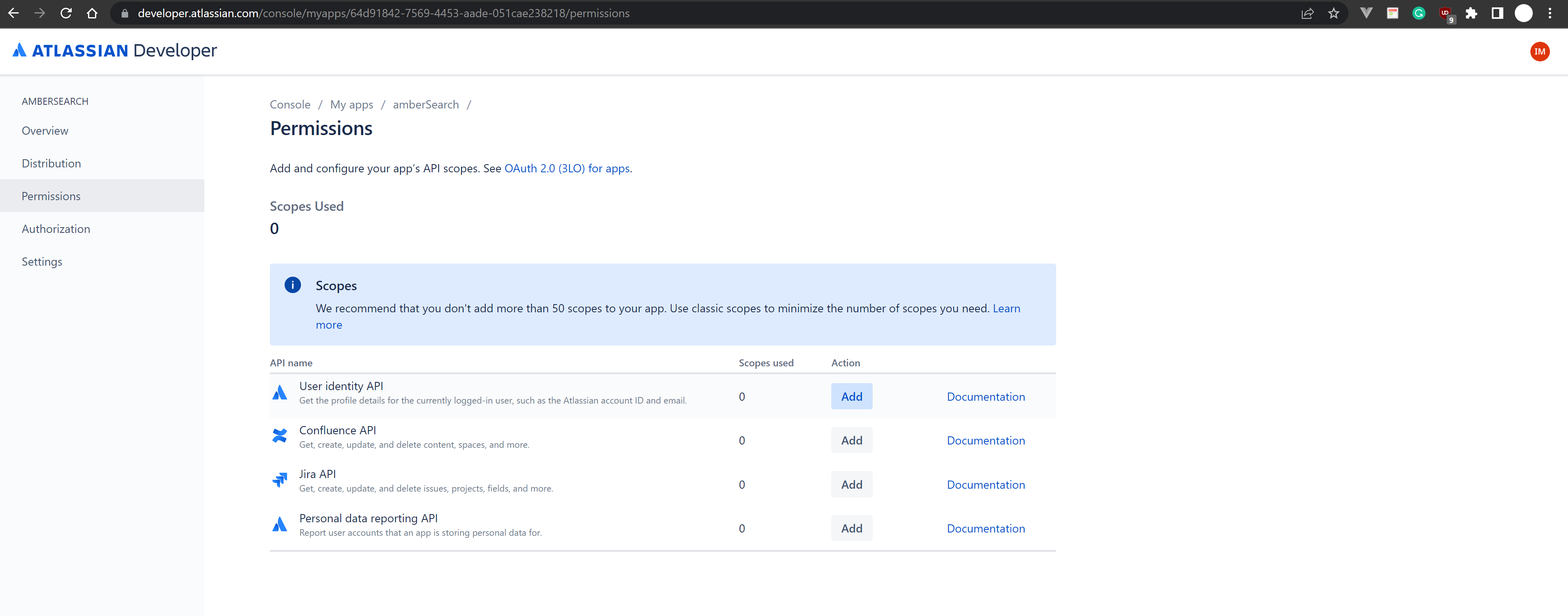
Go to Permissions, and Add the user identity API
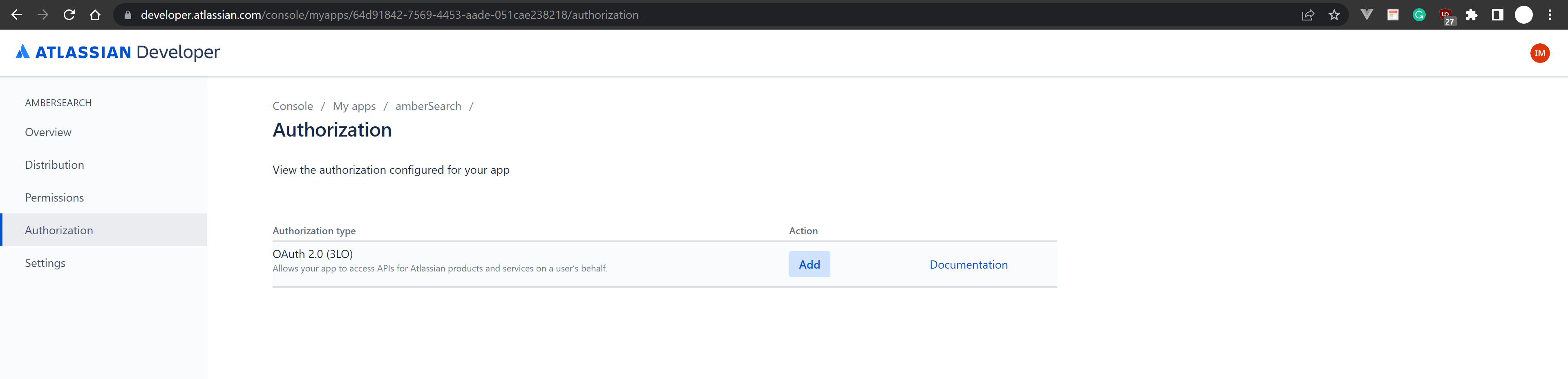
Go to Authorization, and Add OAuth 2.0 (3LO)
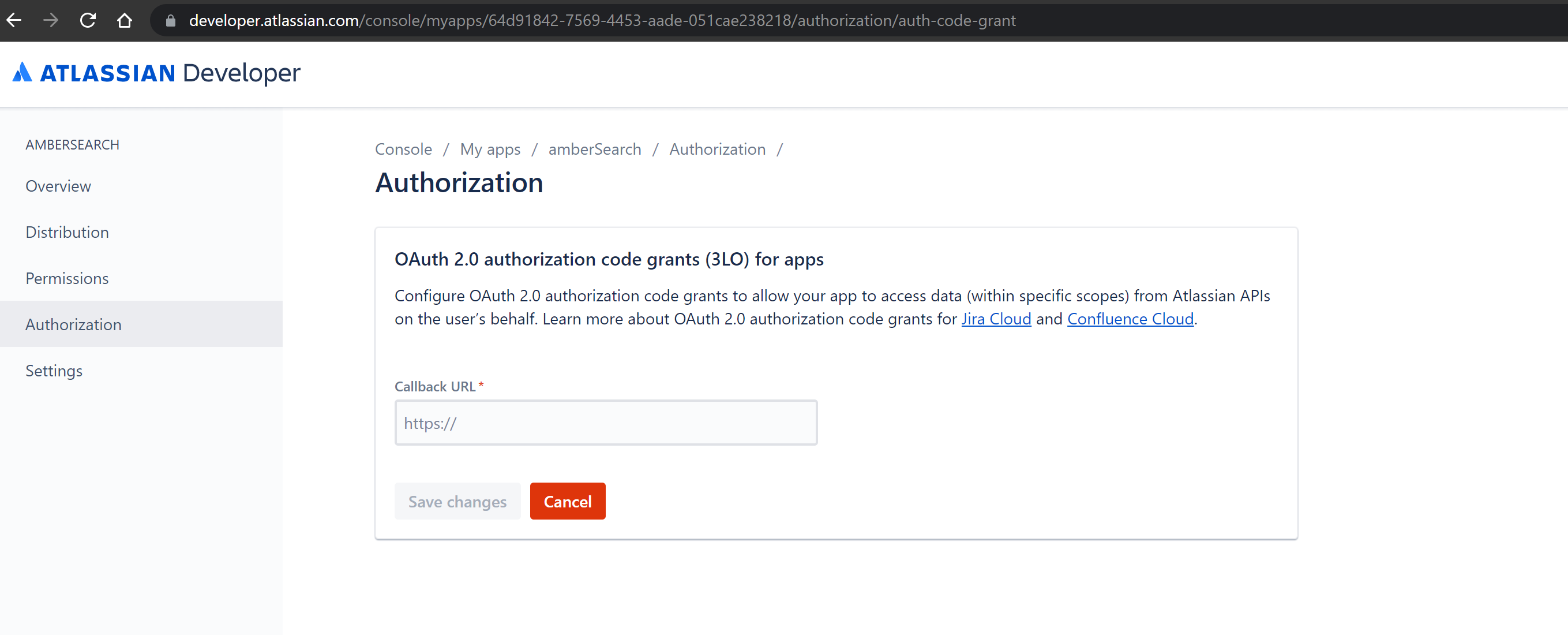
Insert the callback URL https://customerName.ambersearch.de/api/auth/atlassian/callback Exchange customerName accordingly. Then click on "Save changes"
Then go to Settings, copy the Client ID and the Secret and provide them to the amber team.
Distribute the application
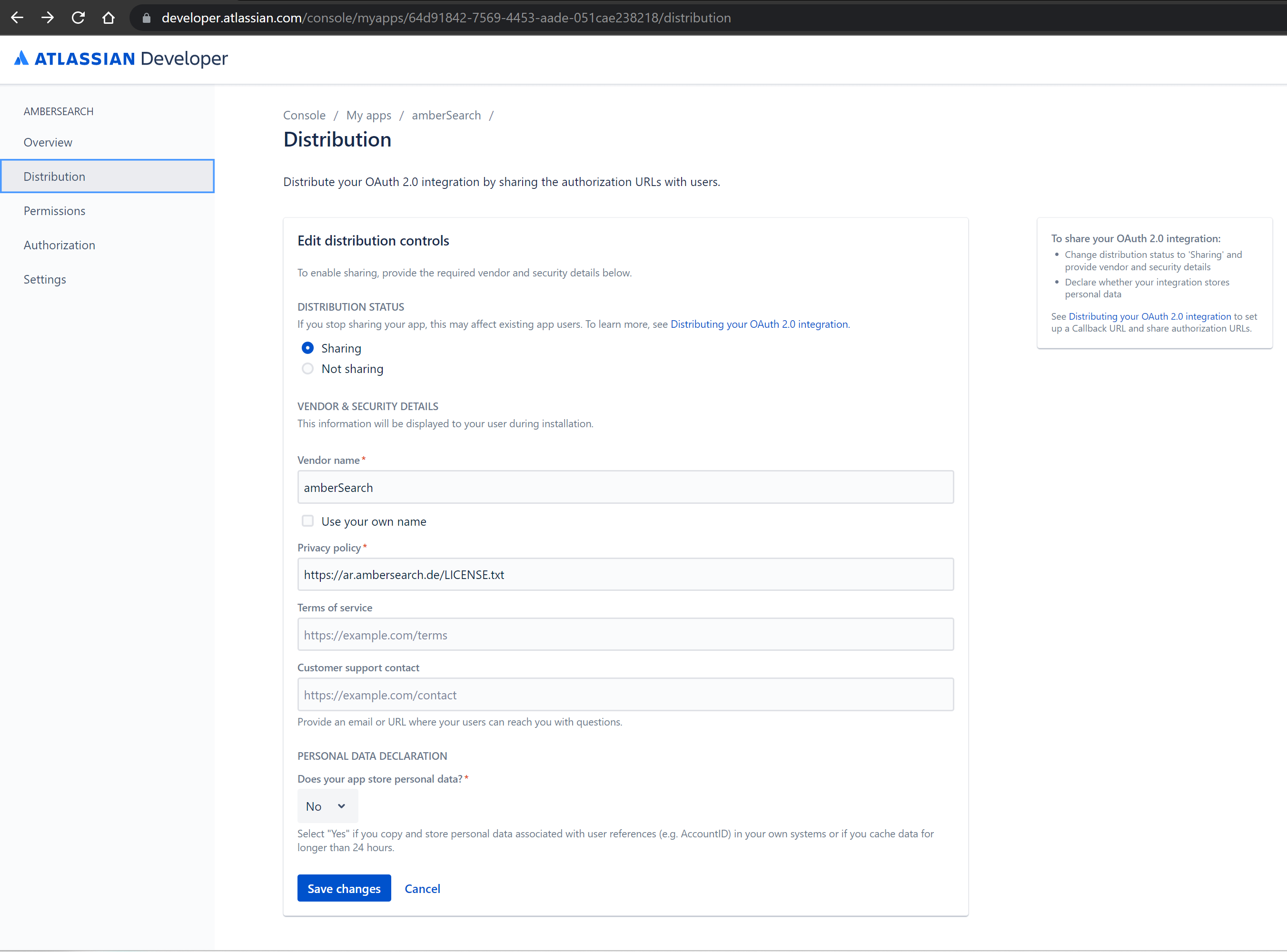
In order to make the application accessible from every user within the company, the distribution status should be changed from Not sharing (default setting) to Sharing. Follow the next steps:
Go to Distribution
Enable Sharing
Set Vendor name to amber
Set Privacy policy to https://ar.ambersearch.de/LICENSE.txt
Save changes
Was this helpful?