How do I run tasks automatically?
With Planned, you have one-off or recurring tasks run automatically at a set time. Everything you do every Monday anyway, amber now does without you.
In 3 steps
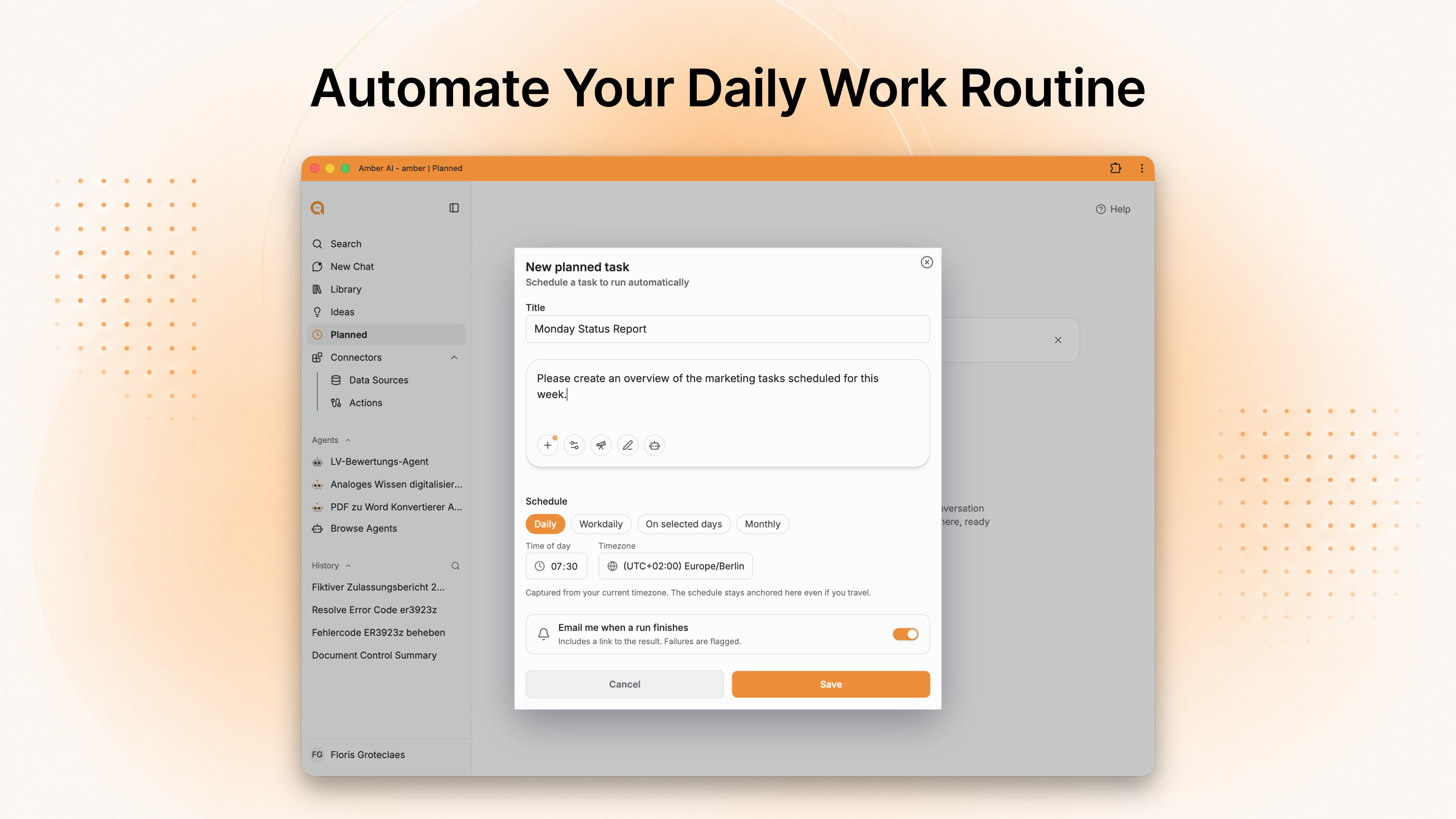
Create the task: open the Scheduled area and click "+ New task".
Describe the job: the way you'd phrase it in the chat – "Update the sales dashboard and summarise the key figures in three sentences."
Set the timing: one-off or recurring, with weekday, start date and time. Save – done.
Not limited to the chat
What's worth planning
Rule of thumb: if you've already asked the same thing in the chat three times, it belongs in a plan.
What happens next
Under "My plans" you see every task with its status: Scheduled → Running → Done.
Agent, action or plan?
They aren't mutually exclusive: a plan can start an agent that runs an action.
Good to know
Test the job in the chat first. A plan repeats exactly what you gave it – weaknesses included. Phrase the task once in the chat, sharpen it, then take the version that worked.
Until the end of 2026 every user can create unlimited plans. A good moment to find out what actually repeats in your week.
You don't have to sit and watch – as soon as the plan has run, you get an email notification with the result.
Up next: Where do I use amber day to day?
Was this helpful?