Getting started with amber
Sign in, check your data sources, ask your first question.
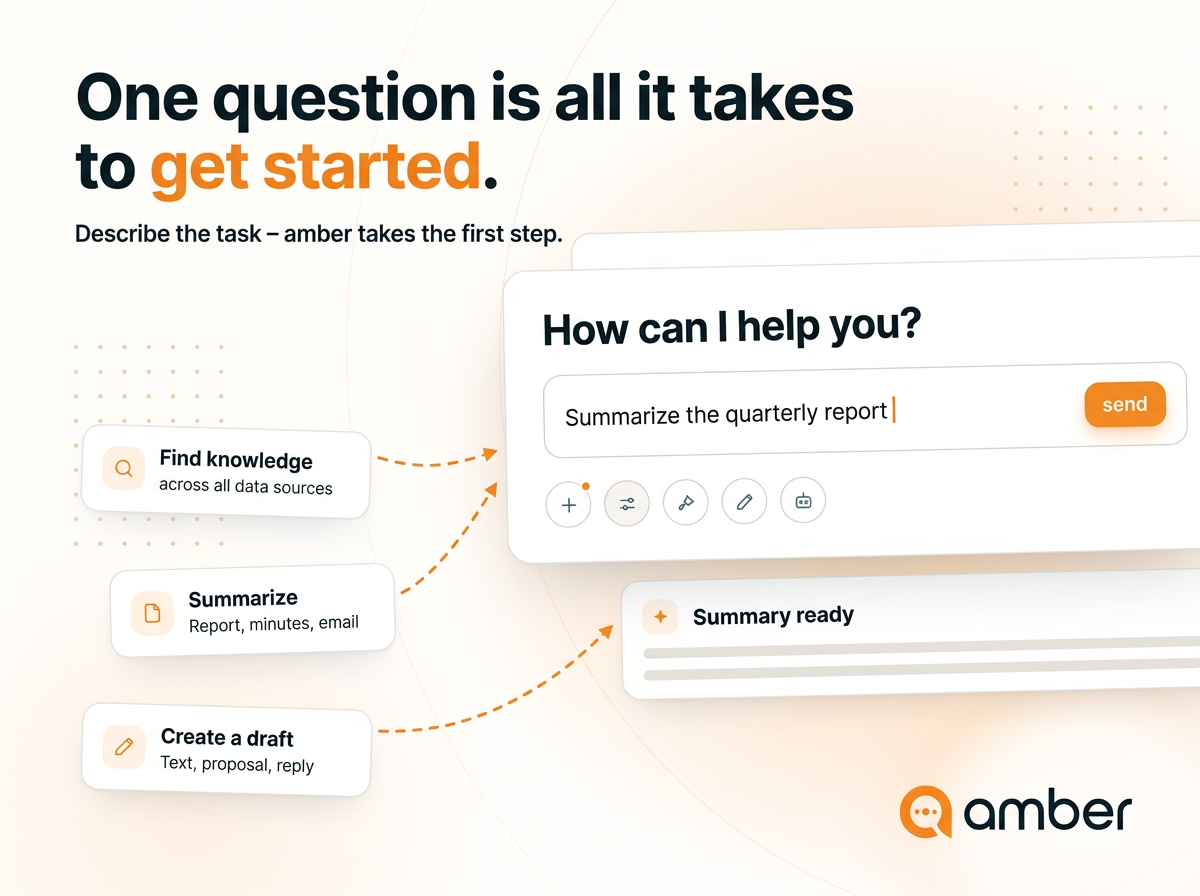
In 3 steps
Sign in:
Go to app.amber.de and sign in with your company account – in most cases via "Continue with Microsoft". Your project lead or administrator will give you the access link.Check your data sources:
Open Data sources in the left sidebar. You'll see which sources are available to you and which are already connected.Ask your first question:
Take a real task from today – an email, a document, a question you'd ask a colleague – and put it in the chat.
How this series is structured
You can work through the series from top to bottom or jump straight to the topic you need right now.
Good to know
Every answer names its source. Before you pass information on, check which document it came from and how current it is.
Your access rights still apply, unchanged. amber only ever shows you what you're allowed to open. So if a colleague gets a different answer to the same question, that's not a bug.
Up next: What should I ask first?
Was this helpful?