Where do I use amber day to day?
The answer comes down to one question: where are you when the question occurs to you?

Finding the right version
Browser extension
Works in Chrome and Edge, both via the Chrome Web Store. For Edge, the option "Allow extensions from other stores" has to be enabled under "Manage extensions" first. After adding it, pin it via the extensions icon and the pin. Opens amber as a side panel next to any web page.
→ Download amber Browser Extension (Google Chrome & Microsoft Edge)
Desktop app
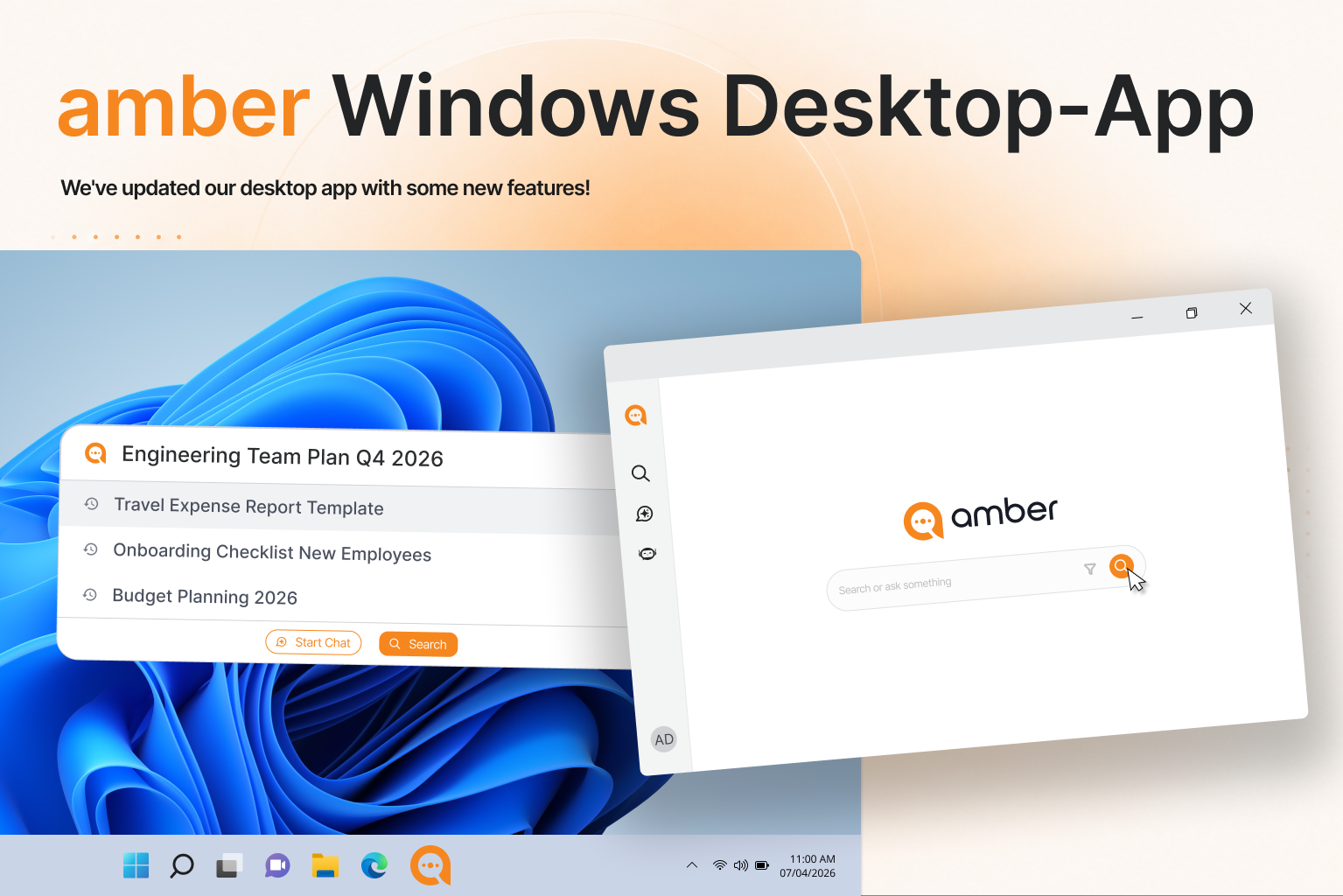
Alt + A brings up a search field over your desktop. You type, amber searches Teams, Outlook, SharePoint and your drives at the same time, and you open the document straight from the result – without hunting for the right application first.
Teams app
In Teams, click "Apps" on the left, search for "amber", click "Add", then right-click to pin it. Only visible if your administrator has released the app.
Outlook add-in
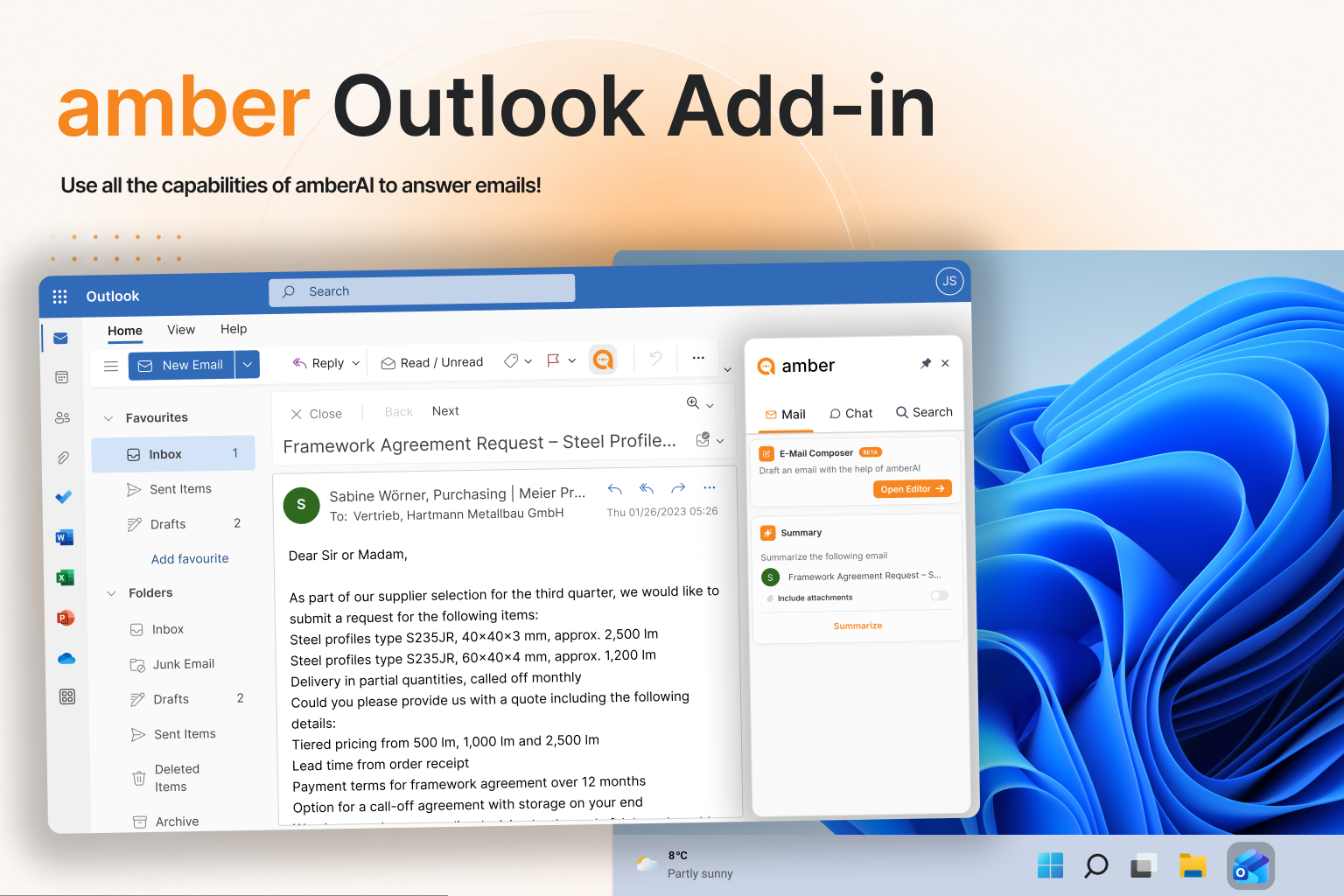
There's almost nothing to set up – your administrator handles the rollout. You sign in once:
Open the add-in: open an email, then open the add-in pane.
Sign in: click "Sign in with Microsoft" and sign in with your company account in the pop-up. If the browser blocks the window, click "Allow" in the notification bar at the top.
Done: the add-in saves the session for future use.
→ Outlook Add-in – Administrator
Good to know
You don't have to choose. All versions run in parallel and share the same sign-in. The mistake isn't picking the wrong one – it's not setting up any quick access at all.
Add-in button not showing? The rollout usually hasn't finished yet – that can take up to 24 hours.
Go deeper
Was this helpful?