Which files can amber read?
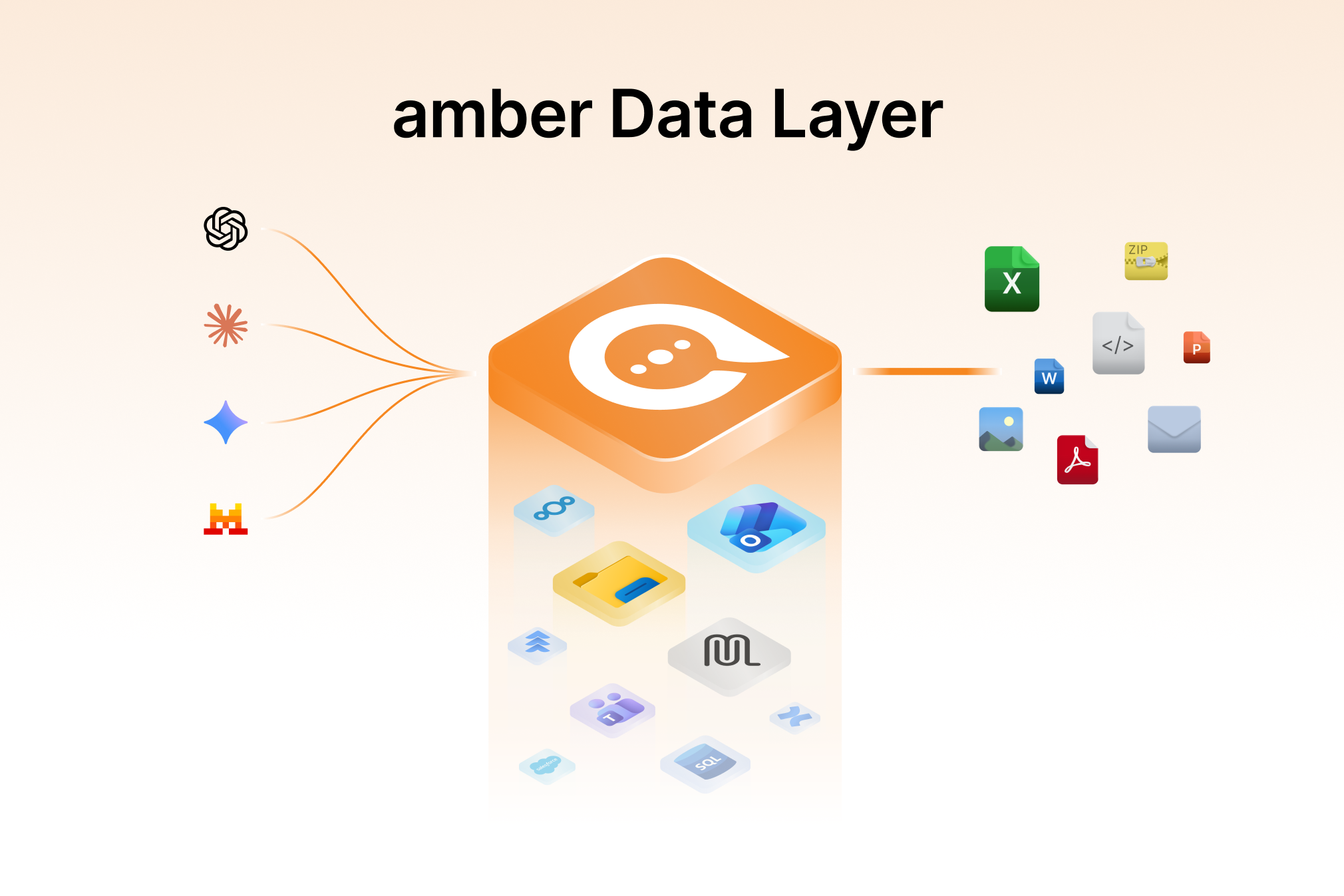
Just about anything that gets produced in an office.
In 3 steps
In the chat, click the plus icon, then "Upload documents / images" – or simply drag and drop the file into the window.
Your uploaded documents appear above the chat area and serve as the reference for everything that follows.
Ask your question. Alternatively, start straight from a search result via the chat icon – the document is then on the left and the chat on the right.
Formats for chat upload
For indexing your data sources the list is wider: it also covers email formats (.eml, .msg), HTML, RTF, TIFF, BMP, SVG and OneNote. Scanned PDFs can be made searchable via OCR. For video and audio files only the metadata is indexed; archives (.zip, .rar, .7z) aren't supported yet.
Spreadsheets: what amber reads out of them
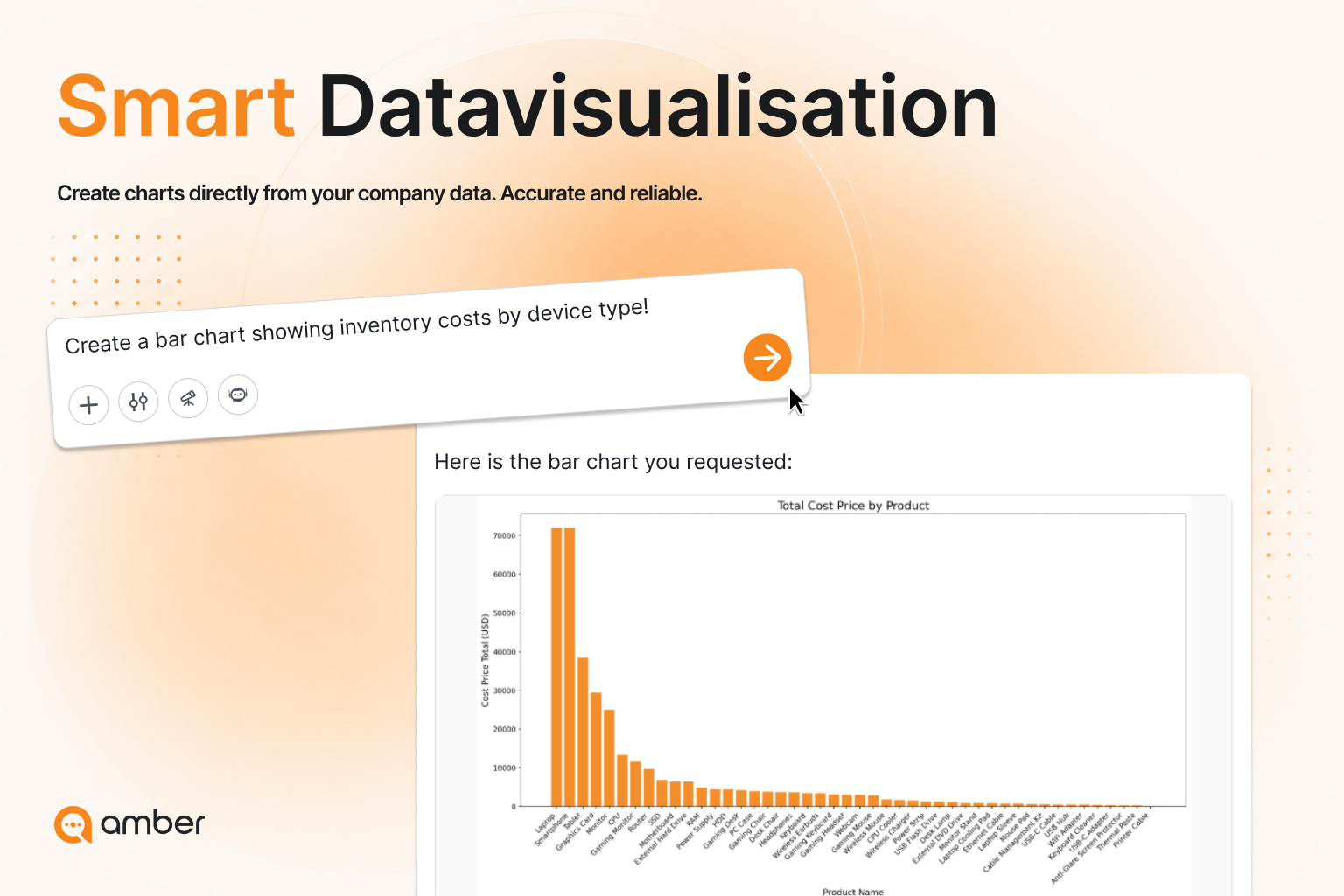
In spreadsheets amber spots trends, outliers and correlations – and does the maths for you. The step most people skip: explain in one sentence what the data shows before you ask your first question.
Good to know
More documents is not necessarily better. Every language model has a limited context window – one document is roughly 20,000 tokens, so 100 documents is around two million. That exceeds even large models, and amber then has to cut or condense.
Five well-chosen documents give better answers than fifty.
Up next: Which formats can amber create?
Was this helpful?