Where do I store files I need all the time?
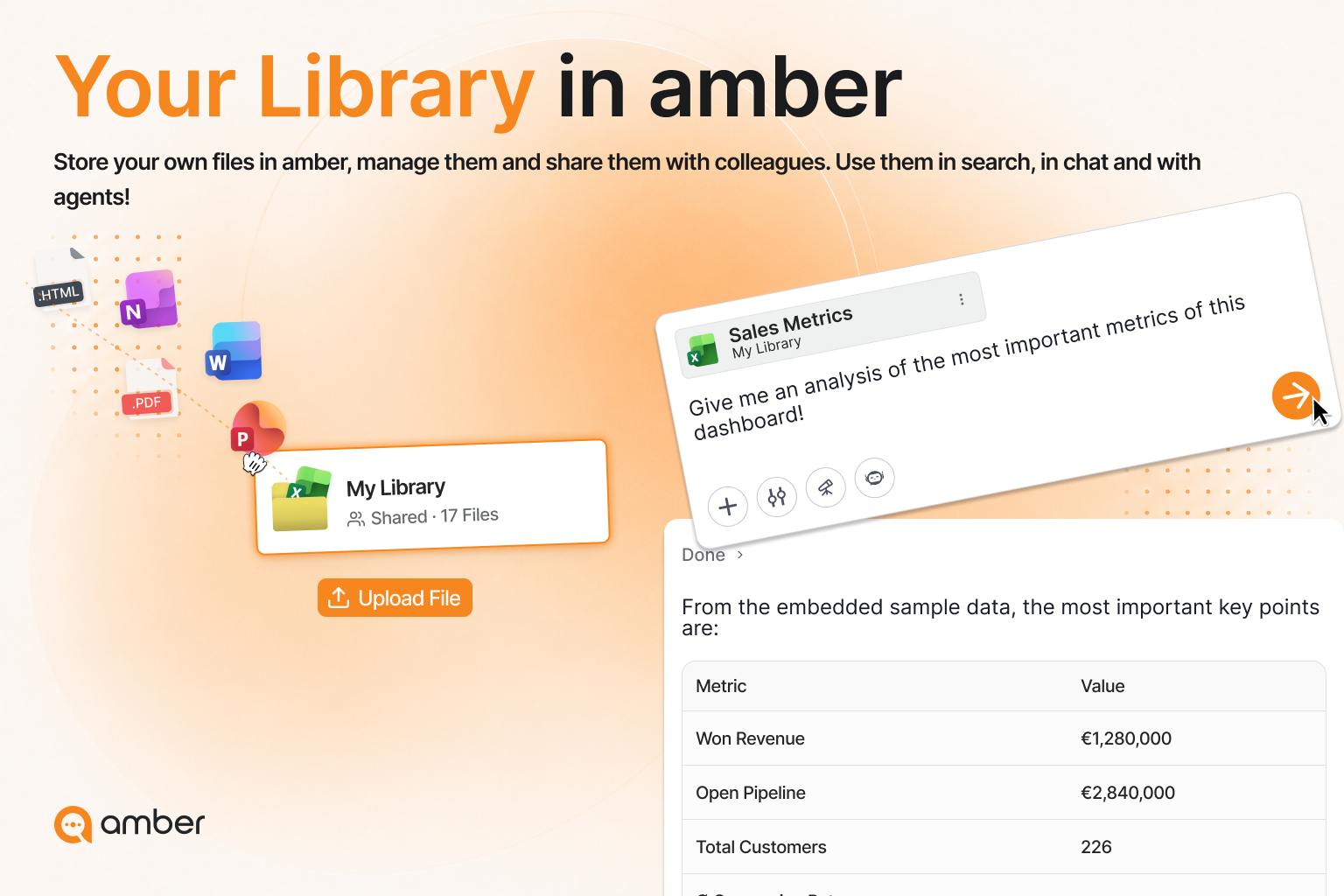
If you keep uploading the same files into the chat, they belong in the library. Upload and sort them once – after that you'll find them everywhere.
In 3 steps
Open the library: click Library in the left sidebar. It's the central storage location for your files in amber.
Upload your files: click "Upload file" – up to 50 documents at once, each up to 100 MB. The upload starts automatically and the files are indexed straight away.
Set up a structure: use "Create folder" to sort by project, client, topic or team.
What the library gives you
Good to know
Shared folders work both ways. Anyone you share a folder with can also upload to it – handy when a team maintains the same knowledge base.
Was this helpful?